AI family video
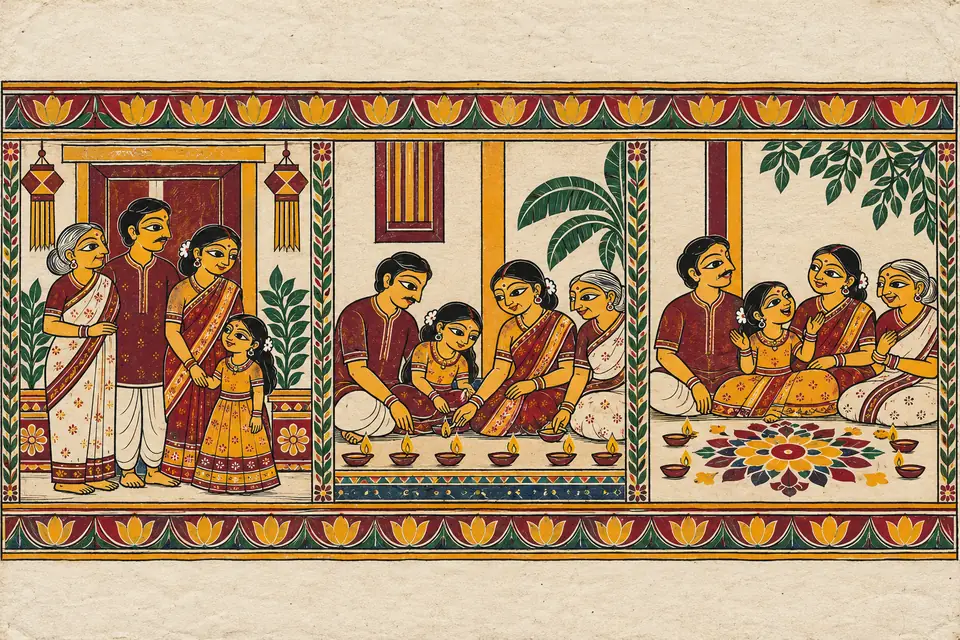
Send 3–5 family photos, pick a style and get an 18–20 second video of your family within 48 hours.
Order for ₹599Diwali · Sunday, 8 November
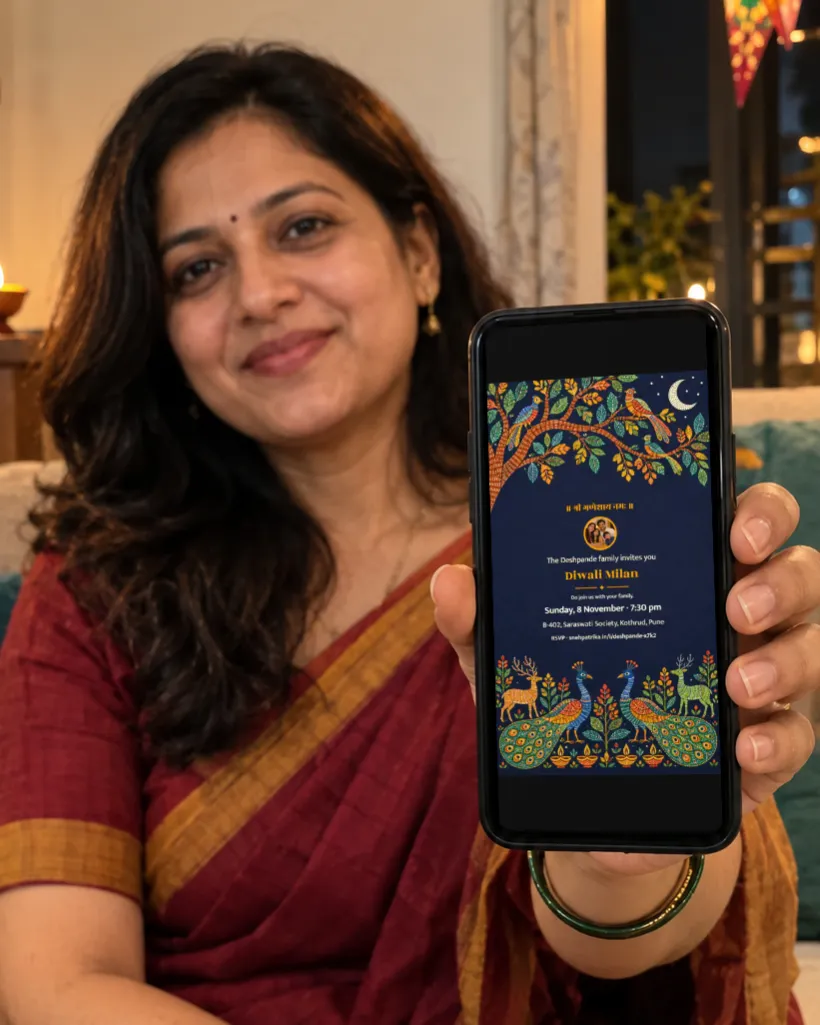
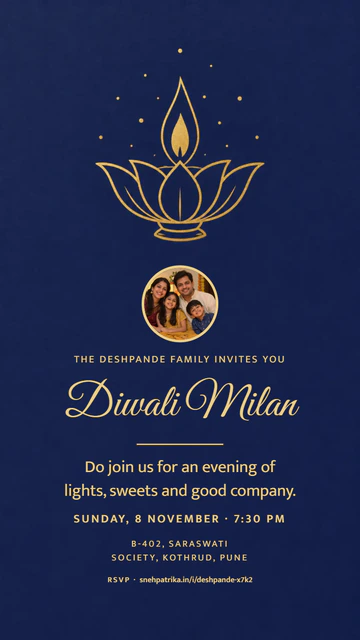
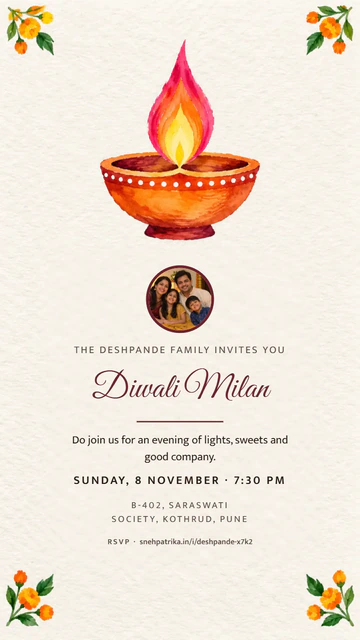
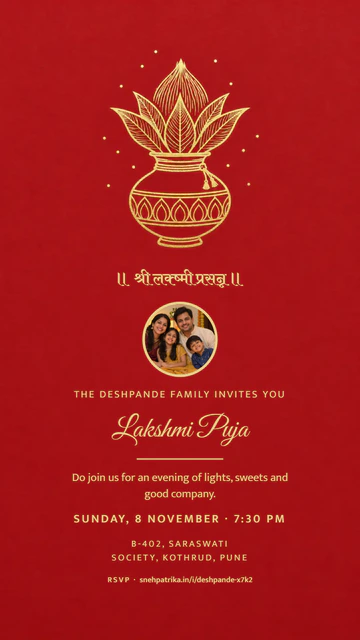
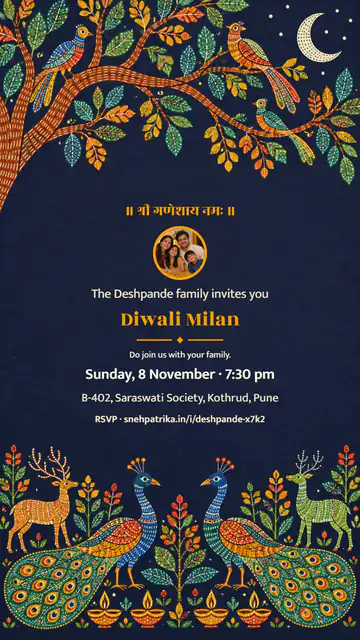
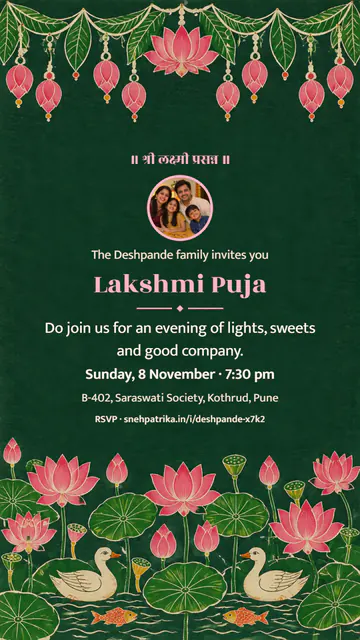
Pick a festive design, add your details, share on WhatsApp — and see exactly who's coming.
Create your invite — freeNo app, no login · English, हिन्दी, मराठी, ગુજરાતી
A short film of your invitation in a craft style, with your photo, names and message. Free with a Snehpatrika ending.
Party, puja, society event or greeting
Pick a ready message in your language
Guests reply in one tap; the headcount updates live
Every invite gets its own event page. Guests get directions and one-tap RSVP; you get the headcount.
Pay ₹49 per event only if you want HD sizes, no footer and your full guest list.
Send 3–5 family photos, pick a style and get an 18–20 second video of your family within 48 hours.
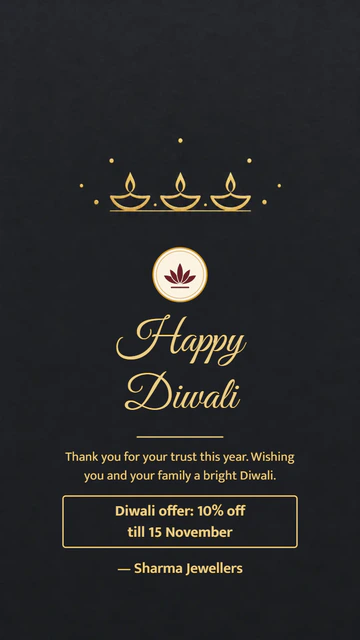
Order for ₹599Your logo and each customer's name on a Diwali greeting, made in bulk. GST invoice on request.
Order packs from ₹499Yes. Every design and language is free: one image size with a small snehpatrika.in footer, and an event page that shows how many guests are coming. Invite Plus (₹49 per event) adds HD post, Status and PDF without the footer, your full guest list with Excel, and changes after sharing.
Yes, from your private edit link. The event page updates right away and guests see an "Updated by the host" note. A free invite can be changed until the first reply comes in; with Invite Plus you can change it any time and send guests the new image. A free video invite can't be changed after it's made; the ₹99 video invite can be changed up to 3 times.
Only you, through your private edit link. With Invite Plus you can also share a view-only list with a co-host or caterer. Guests don't see each other's replies; their wishes show on the event page only if you choose to show them.
No. Guests open the link in WhatsApp, see the invite and reply in one tap. No app and no login, for you or for them.
By UPI (Google Pay, PhonePe, Paytm or any UPI app), card or netbanking, through Razorpay. Prices include GST. We never see your UPI or card details.
Replies go only to you and to anyone you give the view-only link. Guest replies and wishes, photos on the card, a video invite's video and your WhatsApp number are deleted 30 days after the event.